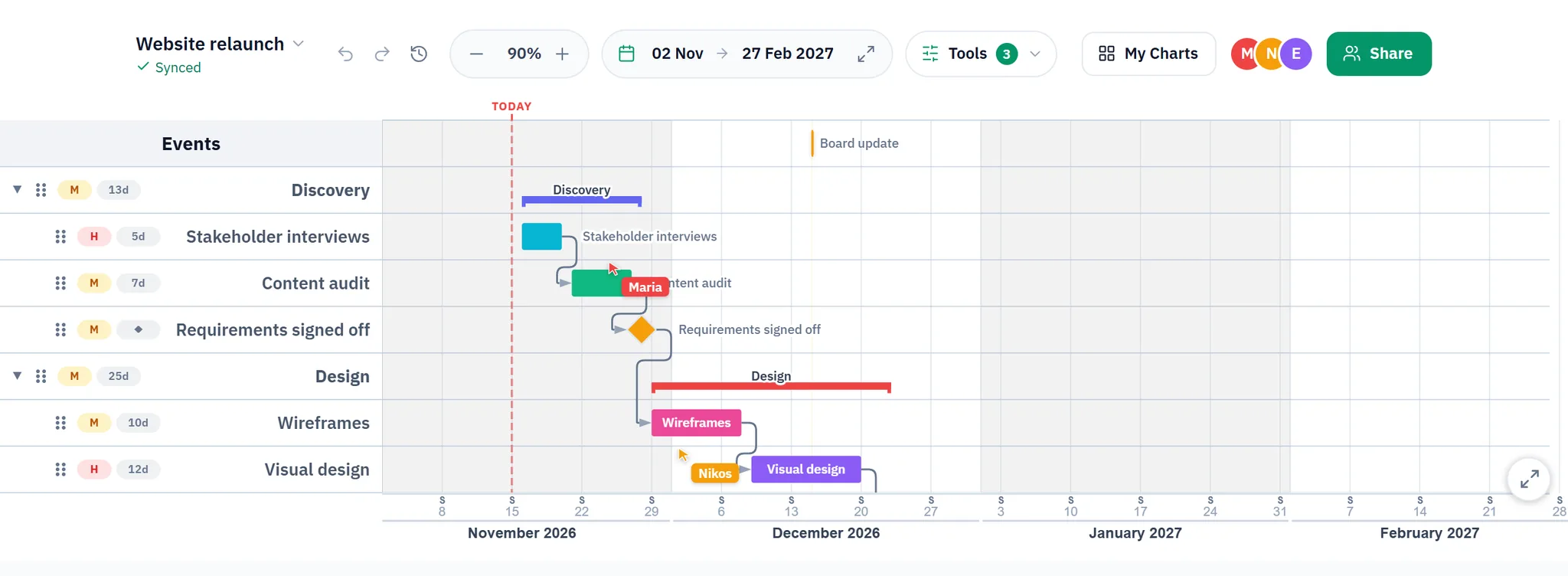
Invite the people on the project
Open the Share window and type an address. The person gets a notification in the app and an email with a link, and the chart appears in their own list under Shared with me.
Decide who edits and who only reads. If someone leaves the project, remove them in the same window, and the chart locks for them immediately.
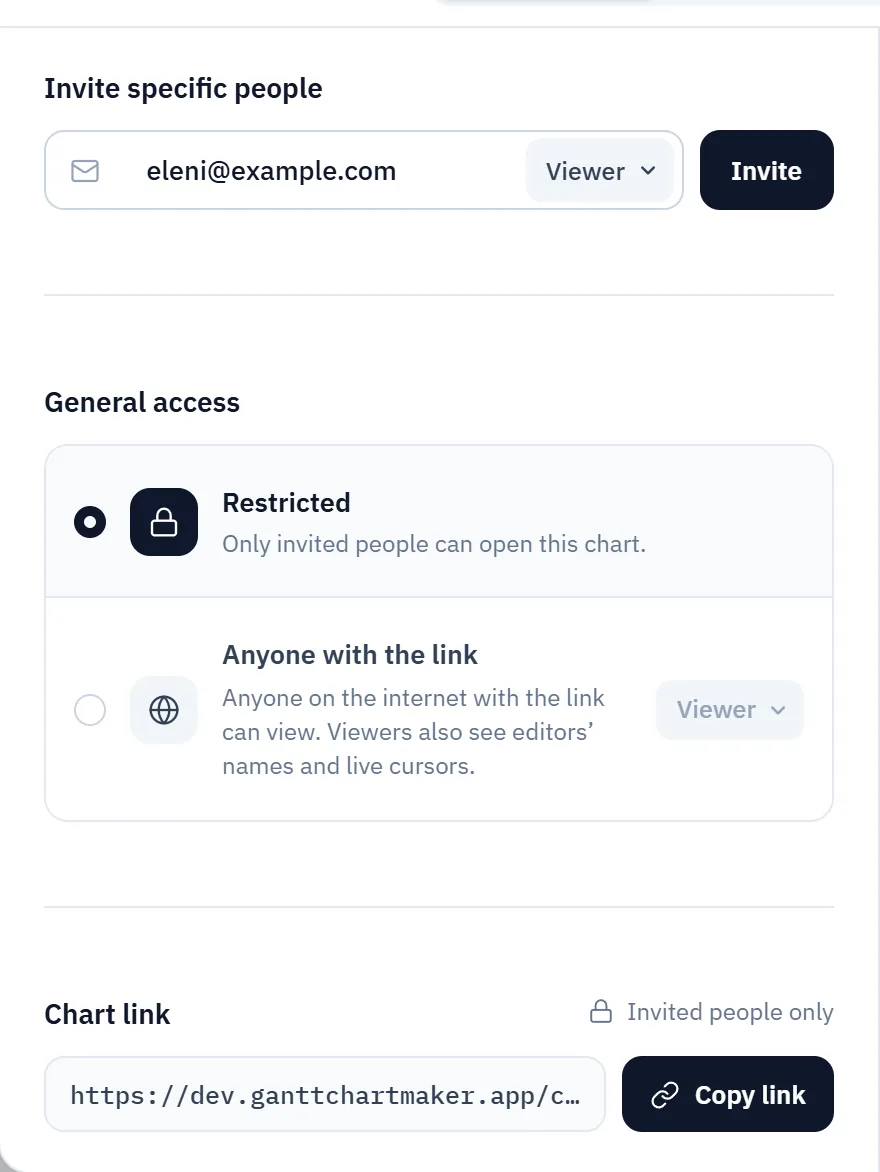
Work on the chart at the same time
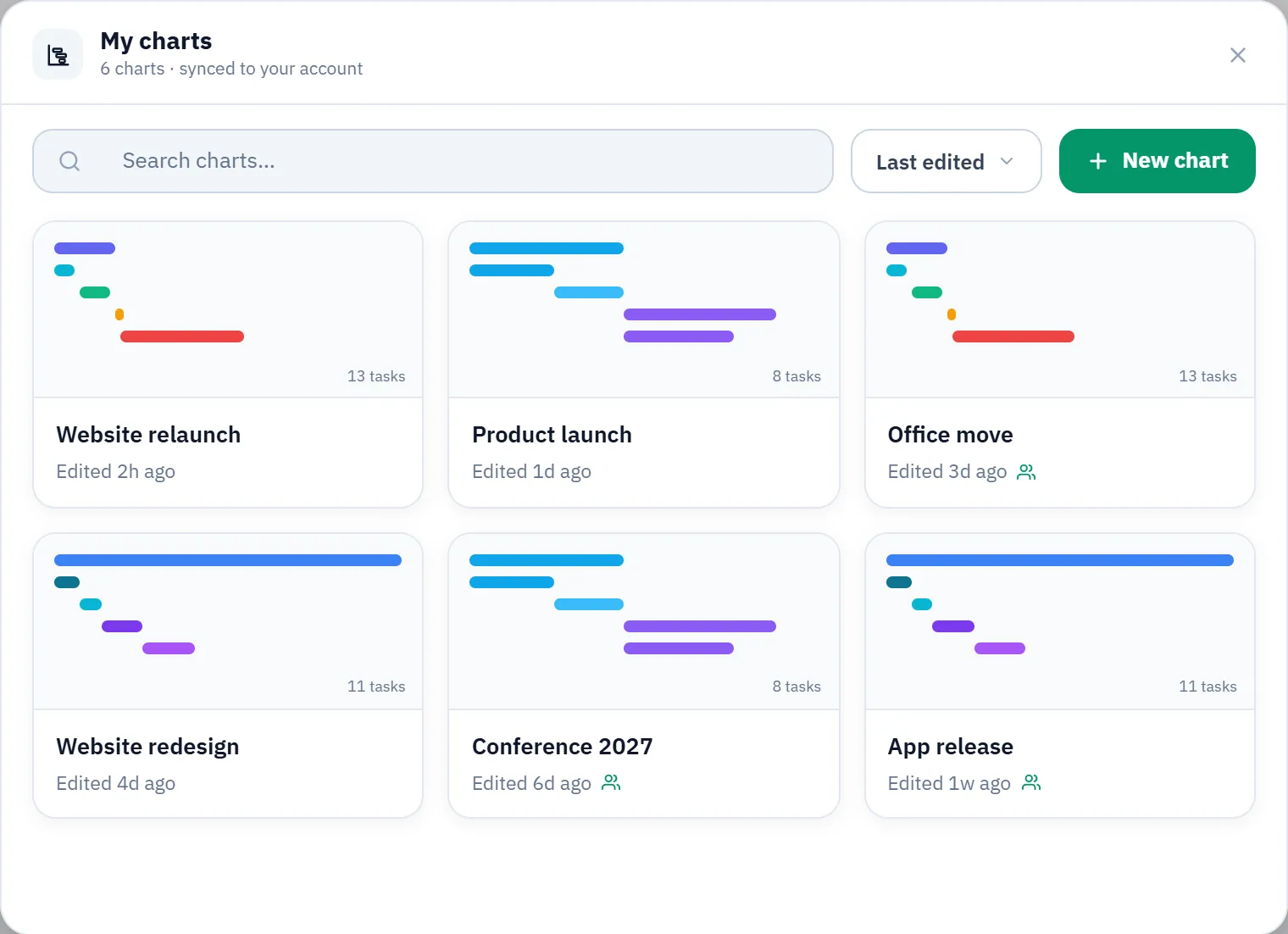
Two people can have the chart open at the same time, or ten. The app shows who is in it and where each person works. A change from one person goes to the others immediately, so nobody waits for a file to come back by email. Each change is also saved to your account.
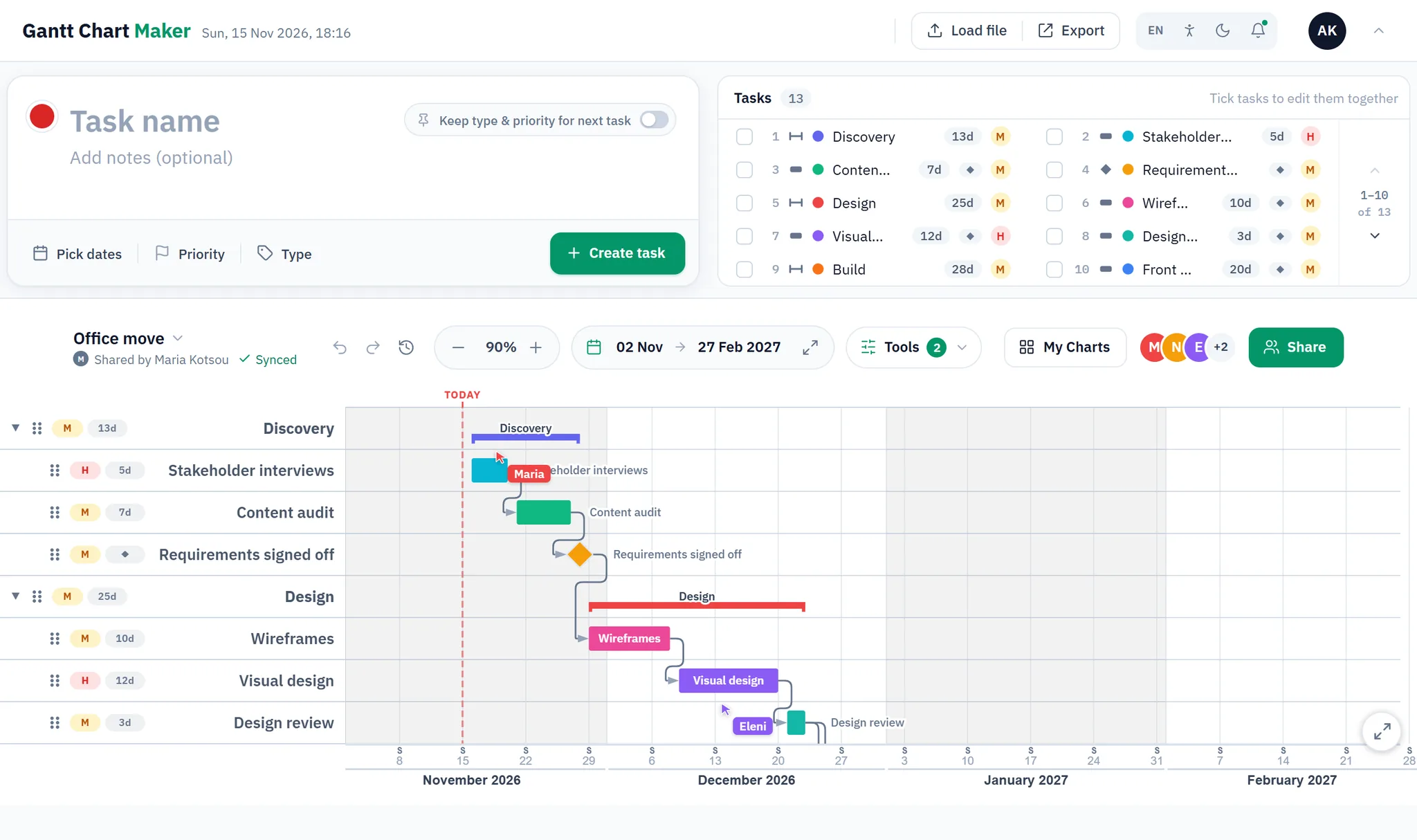
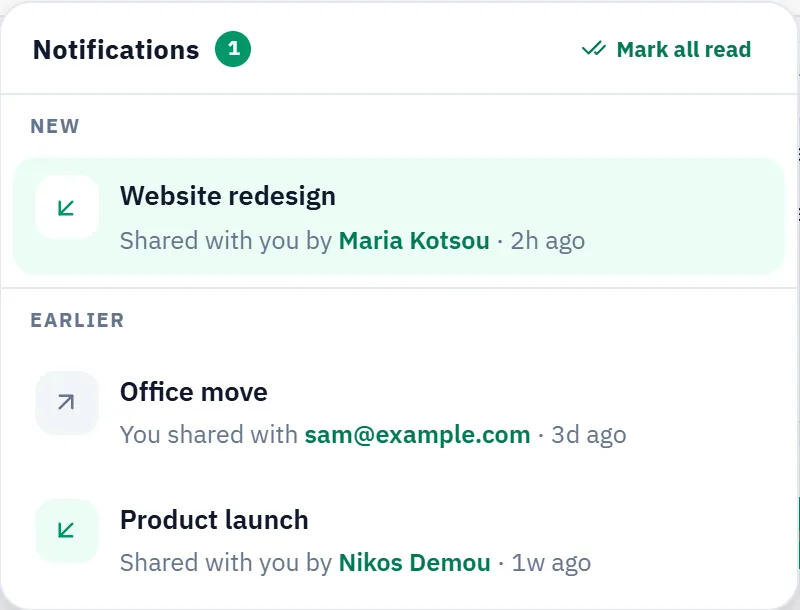
For the people outside the team
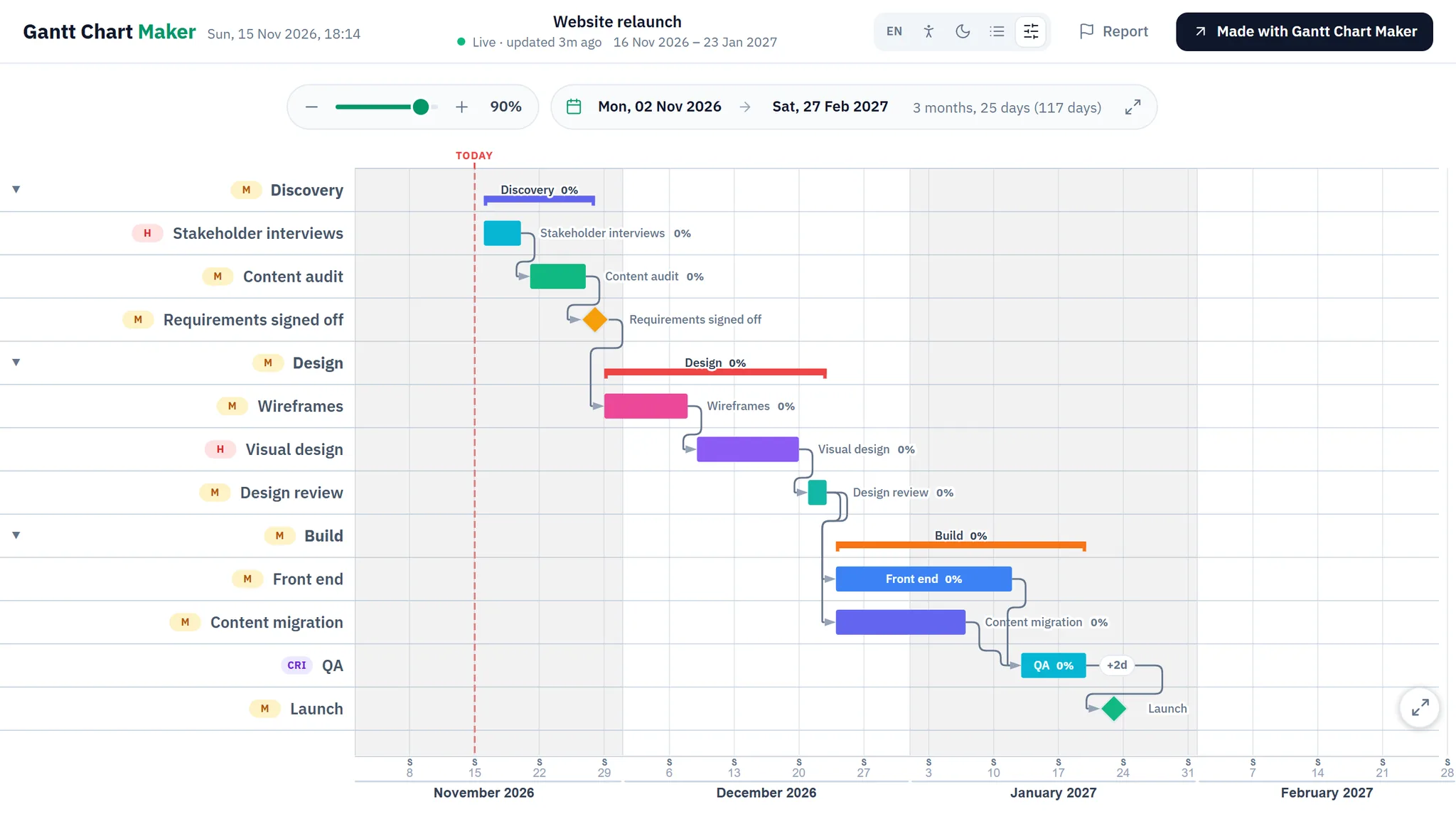
A client or a manager may only need to read the plan. Publish the chart as a web page: no account to open it, no names, no cursors, and a password if you want one. The page can follow the chart, or stay as it was on the day you published it.
For a slide, a report or a wall
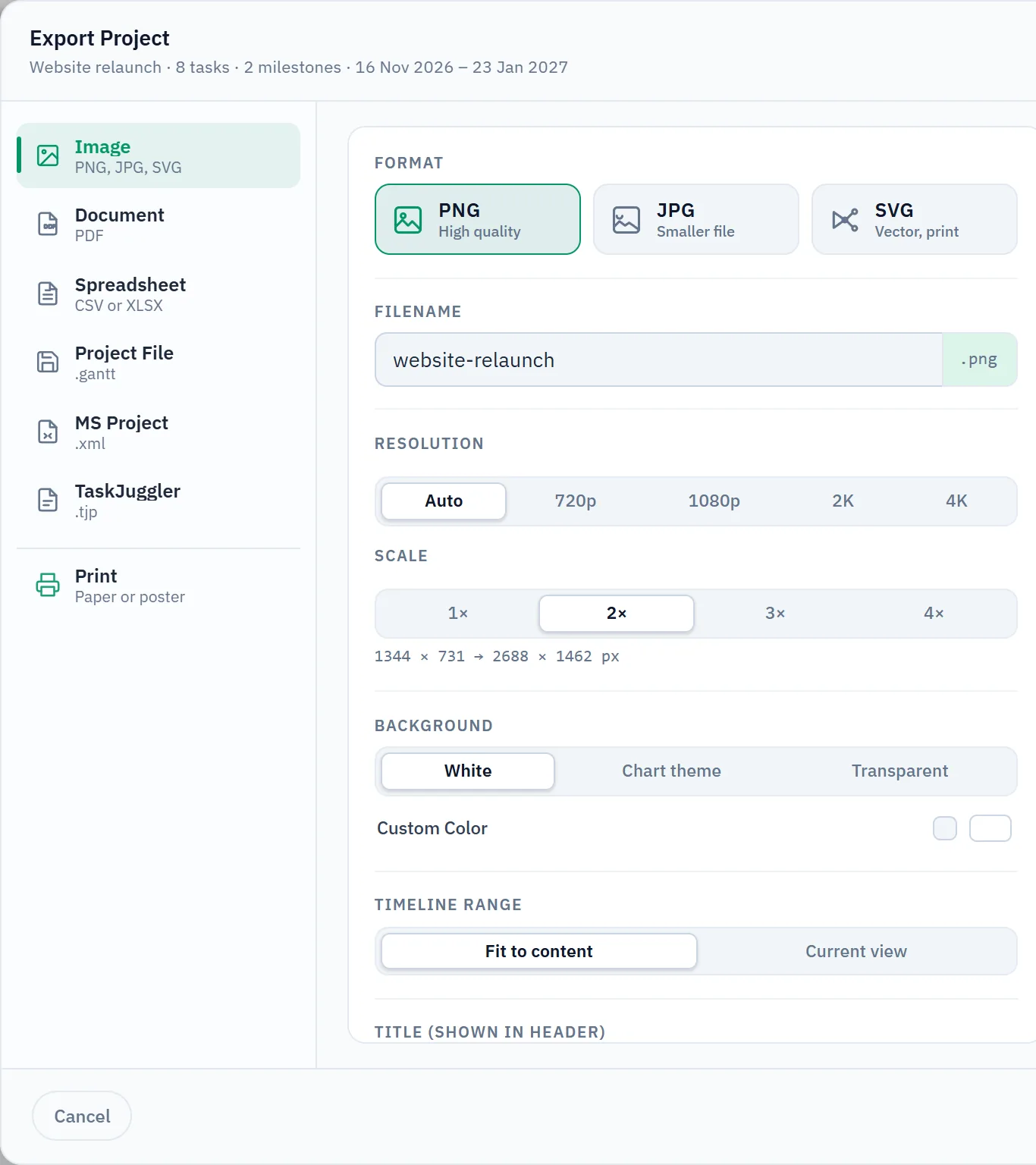
Export a picture or a PDF for a slide or a report. Other tools get a spreadsheet, an MS Project file or a TaskJuggler file. A wall gets a poster, printed on several sheets.
Who shares a Gantt chart
A chart has one owner, but the plan rarely belongs to one person. These are the people who share a chart, and the people who open the link.
A project manager and the team
The manager builds the plan and invites the team as editors. Each person moves their own tasks. The manager sees the change at once, and the faces at the top of the chart show who is in it.
A freelancer or an agency and the client
You keep the plan in one chart. The client reads it on the published page and needs no account. Set a password if the project is confidential.
Students on a group project
Each member edits the same chart from their own computer. The teacher opens the link and sees the latest version.
A construction schedule and the subcontractors
The site manager keeps the schedule in one chart. Each subcontractor opens the link and sees when their work starts. A change on site reaches everyone who has the chart open.
An event and its volunteers
The event team plans in the chart, and volunteers and suppliers see their tasks on the published page. When a date moves, a page that follows the chart shows the new one.
A research group and its supervisor
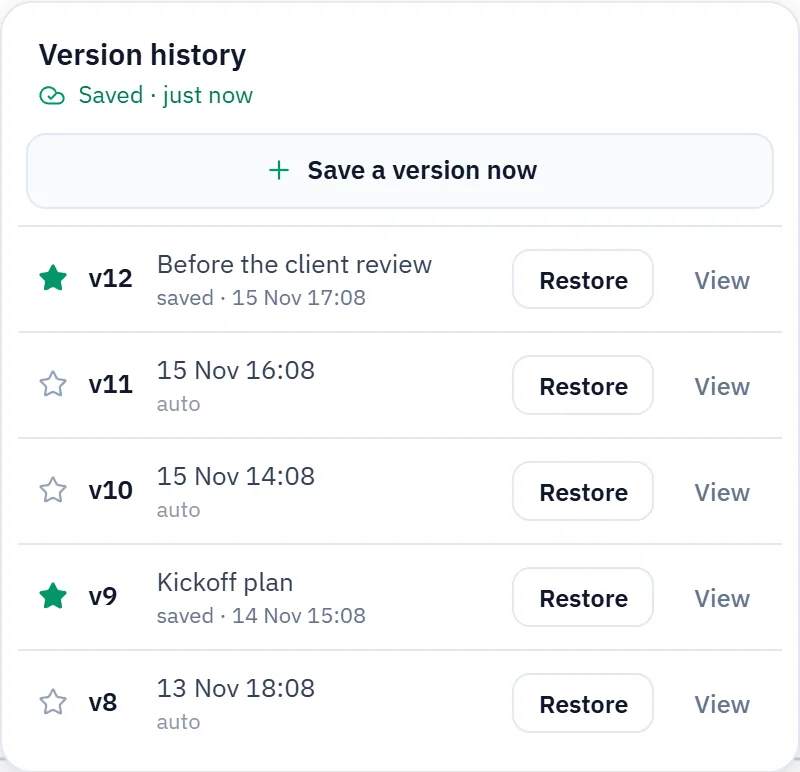
Each researcher updates their own work package. The supervisor, or the funder, reads the plan through a link. Every saved version stays in the history, so the group can open an old plan again.
Your AI assistant can edit it too
Connect Claude, ChatGPT or another assistant through the MCP server. Then ask it for the plan: the tasks from a brief, and the order they run in. It writes into the chart that your team shares, and the team sees the result in the app.
How to connect an assistant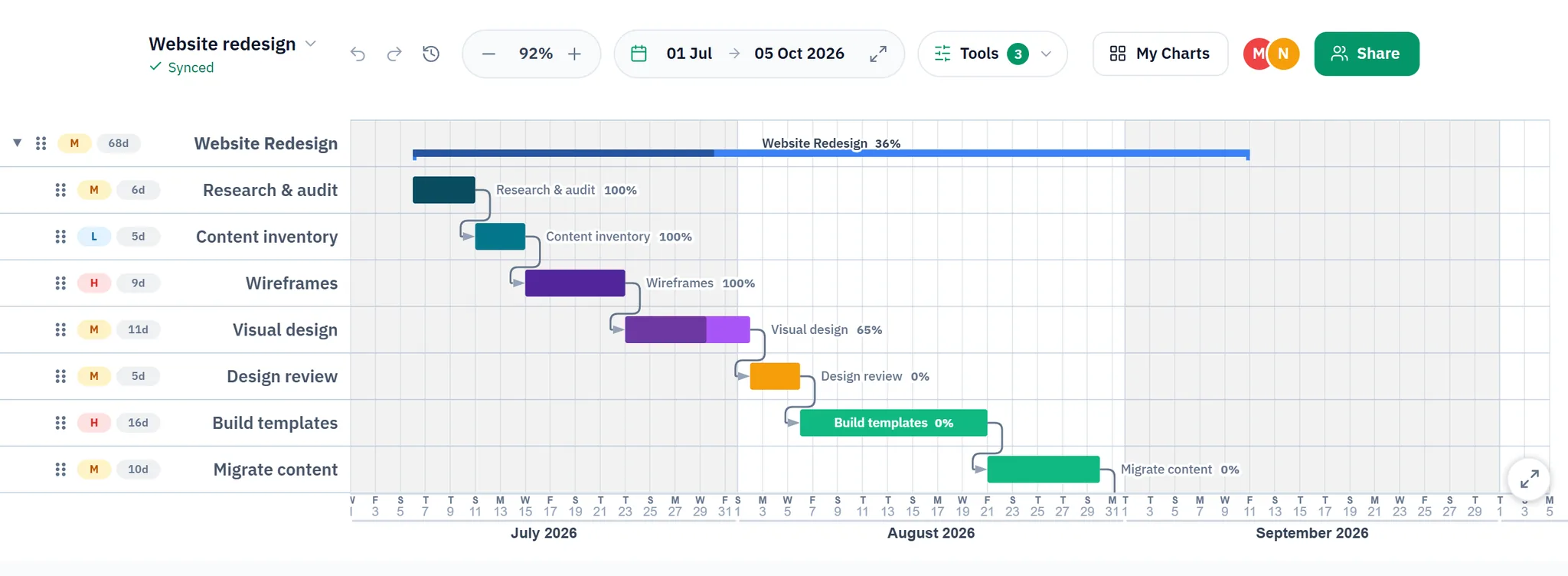
Questions
Can several people edit a Gantt chart at the same time?
Yes. Everyone with edit access opens the same chart in the browser, and each change reaches the others as it is made. The app shows who is in the chart and where each person works.
How do I share a Gantt chart with my team?
Open the Share window, type the person’s email address and choose editor or viewer. They get a notification in the app and an email with a link. You can also copy the link and send it yourself.
Can I share a Gantt chart with someone who has no account?
Yes. Switch on the link for anyone, or publish the chart as a web page. Readers need no account. Editing needs a free account with Google, GitHub or Microsoft.
Is Gantt Chart Maker free for teams?
Yes. Sharing and publishing a chart cost nothing.
What happens when two people change the same task at the same time?
The app keeps the last change, and the other person sees the task move. Every saved version stays in the version history, so you can restore one.
Can I stop someone from editing a shared Gantt chart?
Yes. In the Share window, switch them to viewer or remove them. The chart locks for them immediately.
How do I publish a Gantt chart as a web page?
In the Share window, open Publish to the web and switch it on. The page can follow the chart, or stay as it was on the day you published it, and you can set a password.
Start a chart and send the link
No account to start, no charge. Sign in when you share.