Gantt Chart Maker vs Asana
A free, no-signup Gantt chart tool compared with Asana — feature by feature, and honestly about who each one fits.
Open the free appAsana is a polished work-management platform: tasks, projects, workflows, and a handful of views for teams that live inside it all day. Its Timeline is the closest thing to a Gantt chart, and it is good — but it sits on the paid plans, and everything starts with an account and a login.
Gantt Chart Maker is narrower and free. It does one thing — a proper Gantt chart with dependencies — and it does it the moment you open the page, with no signup and no paywalled view. If what you actually need is a timeline you can build now and share, the difference in friction is large.
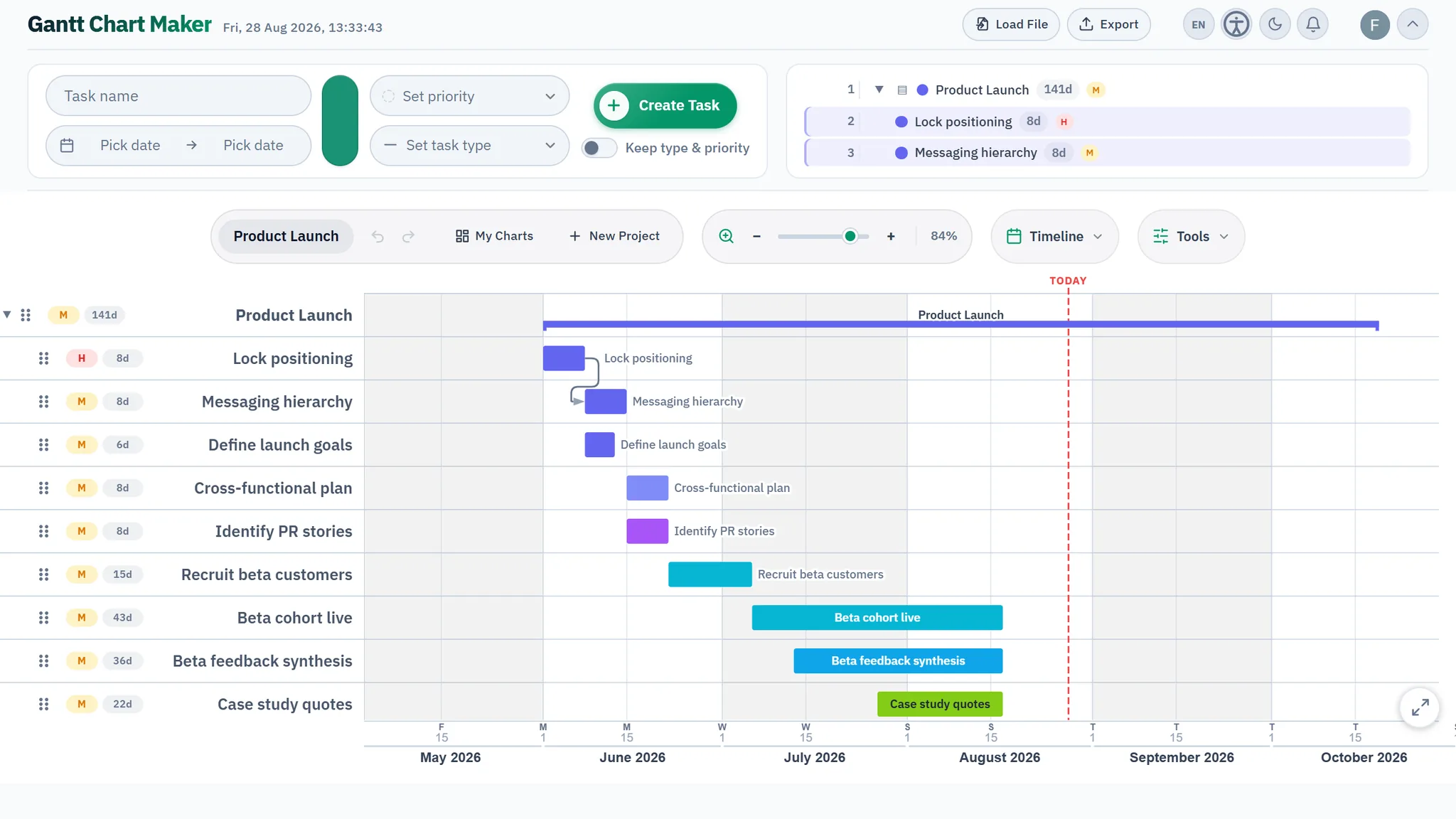
Asana vs Gantt Chart Maker at a glance
| Feature | Gantt Chart Maker | Asana |
|---|---|---|
| Price | Free — every feature | Free tier; Gantt is paid |
| Account to start | Not required | Required |
| Runs in the browser | Yes — installable PWA | Yes |
| Works offline | Yes | No |
| Your data stays on your device | Yes, by default | Cloud |
| Gantt view | Yes — purpose-built | Timeline — paid plans |
| Task dependencies | Yes — live re-routing, lag/lead | Paid plans |
| MS Project import / export | Yes (.xml both ways) | CSV import only |
| Live collaboration | Yes — free (optional account) | Yes |
| Best for | Fast, focused Gantt planning | Ongoing team work management |
Comparison reflects publicly documented features as of July 2026. Competitor free tiers, plans, and features may change — check their site for the latest.
Where Asana is strong
- Excellent for ongoing team task management, not just one-off plans.
- Rules, automations, forms, and a large integration catalogue.
- Multiple linked views (list, board, calendar, timeline) over the same tasks.
- Mature permissions, reporting, and workload features for bigger teams.
Where Gantt Chart Maker is different
The split is really "work management" versus "a Gantt chart." Asana is built to run a team's continuous workload; the Timeline is one feature among many, and a paid one. Gantt Chart Maker is built to draw a schedule — dependencies, milestones, critical dates — and get it out as an image, PDF, CSV, or Microsoft Project XML. No account, no plan tier, no view locked away.
Which should you choose?
Choose Asana if your team needs a shared home for continuous work across many projects. Choose Gantt Chart Maker if you specifically want a Gantt chart — free, instant, and without upgrading a plan to see your own timeline.
Frequently asked questions
Is Asana's Gantt (Timeline) view free?
The Timeline view is a paid-plan feature. Gantt Chart Maker's Gantt view is the whole app, and it is free with no account.
Can I move my Asana tasks into Gantt Chart Maker?
You can export tasks from Asana to CSV and rebuild the plan, or simply start fresh — most timelines take a couple of minutes to lay out by dragging bars.
Does Gantt Chart Maker do team collaboration like Asana?
It offers free real-time collaboration on a chart (an optional account is needed to share live), but it is not a full work-management suite — it stays focused on the Gantt.
Try it — it opens in seconds
Gantt Chart Maker runs entirely in your browser: no signup, no account, nothing to install. Build a plan with dependencies in under a minute.
Open the app